

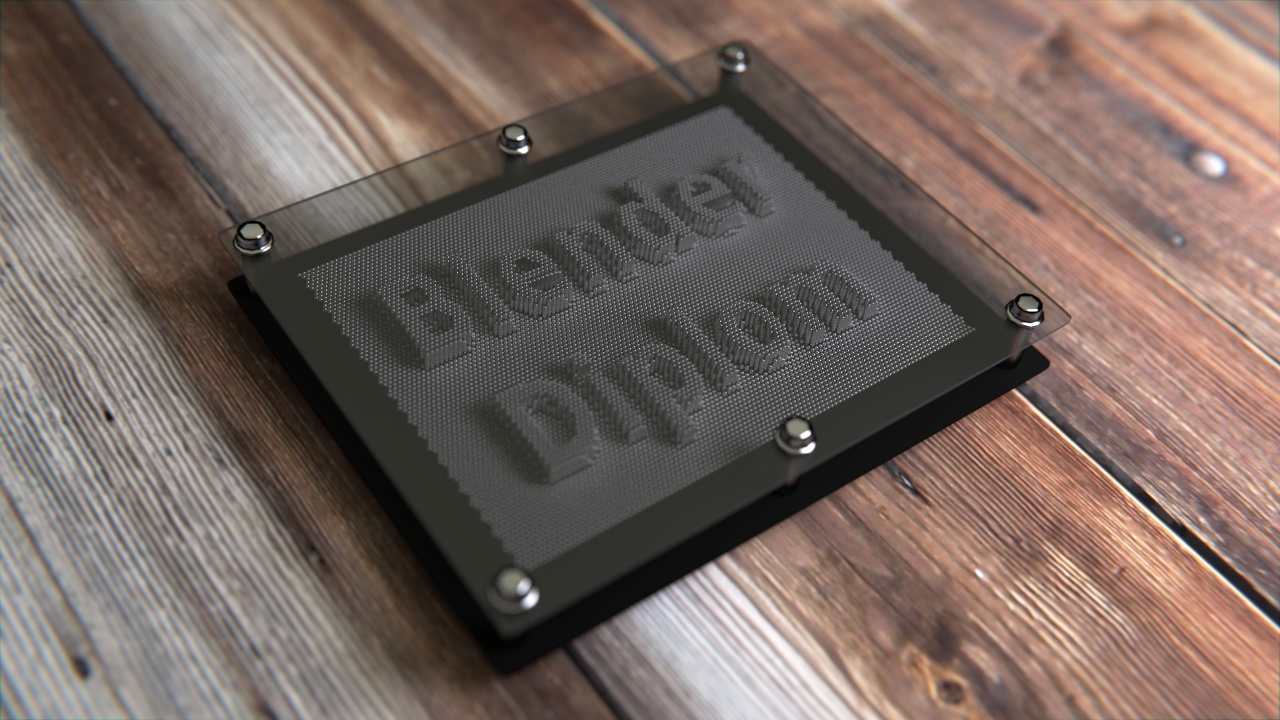
Learn how to create an animated pin toy in Blender using maps, dupliverts and the displace modifier and render it in Cycles!
Select your language
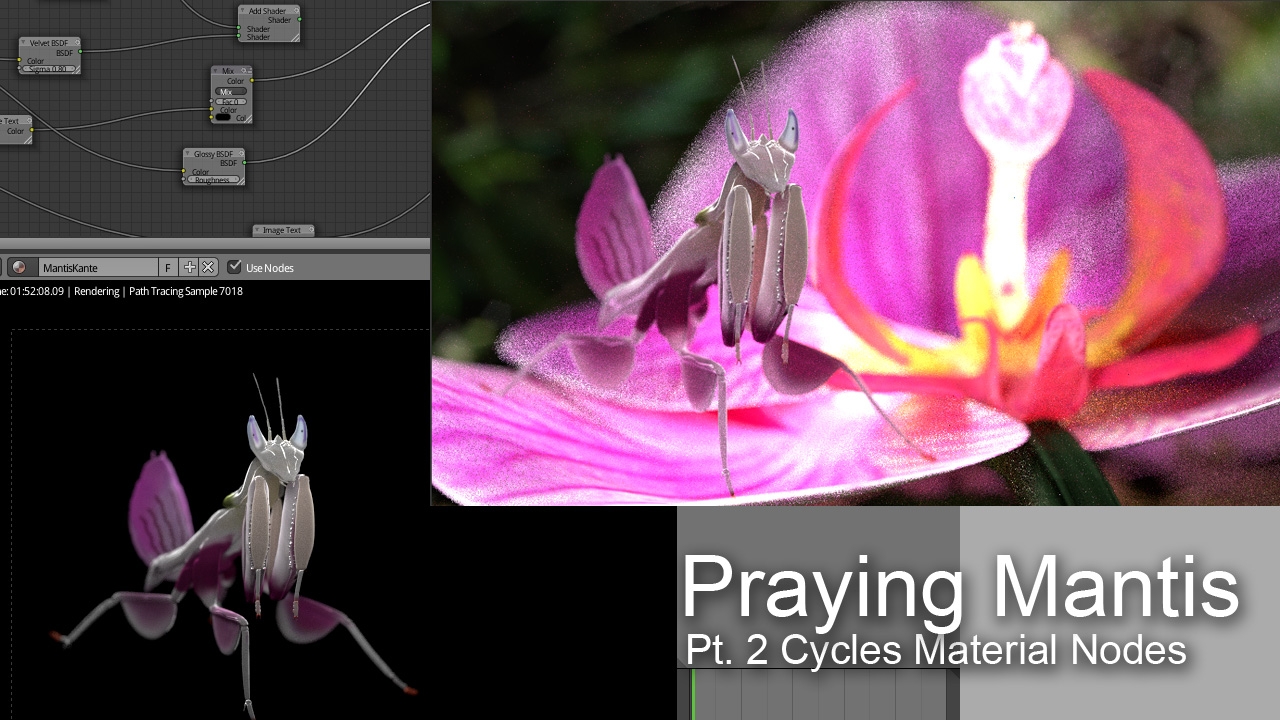
The grand mantis series Part 2: Advanced Cycles materials! Learn how to set up advanced materials in Cycles, plus even more lighting tips from Fredrik Steinmetz!
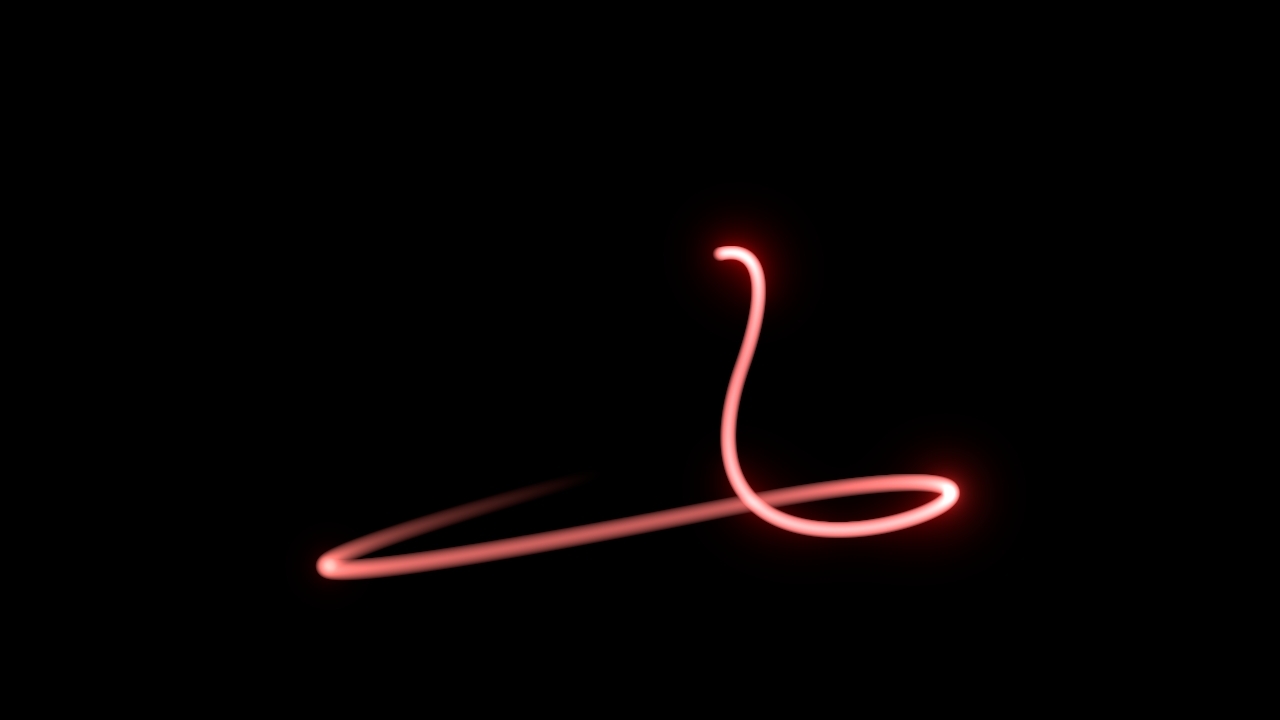
Cool looking light streaks are not exclusive to commercial products like AE. In fact, you can create those in Blender as well. With full control over speed and timing thanks to the motion trail addon.

Frederik Steinmetz shows you a wonderful trick how to force particles to emit other particles in Blender 2.63+ while Gottfried Hofmann will show you how to arrange a nice fireworks display with the Blender VSE.
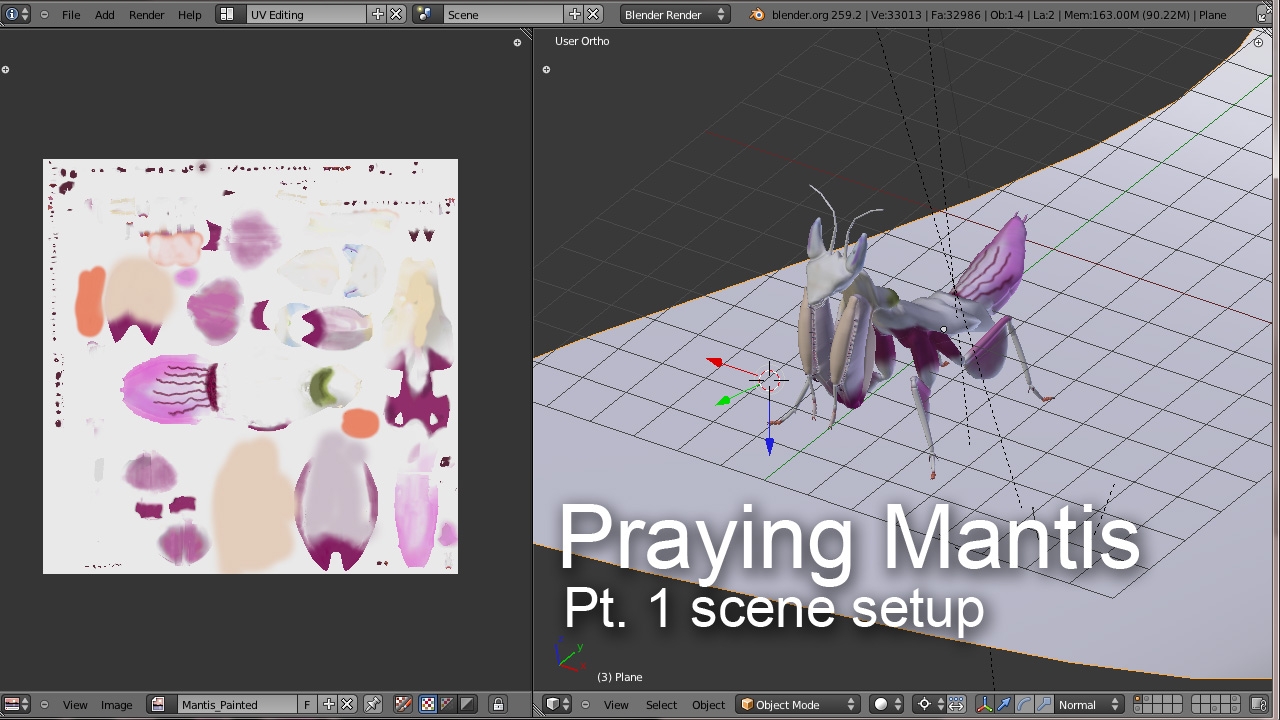
Frederik Steinmetz is back with a comparison of Cycles, Luxrender and Blender Internal. For that series he will use a praying mantis as an example. This first installment gives you an overview of the model and tips on modeling and rigging insects in Blender.
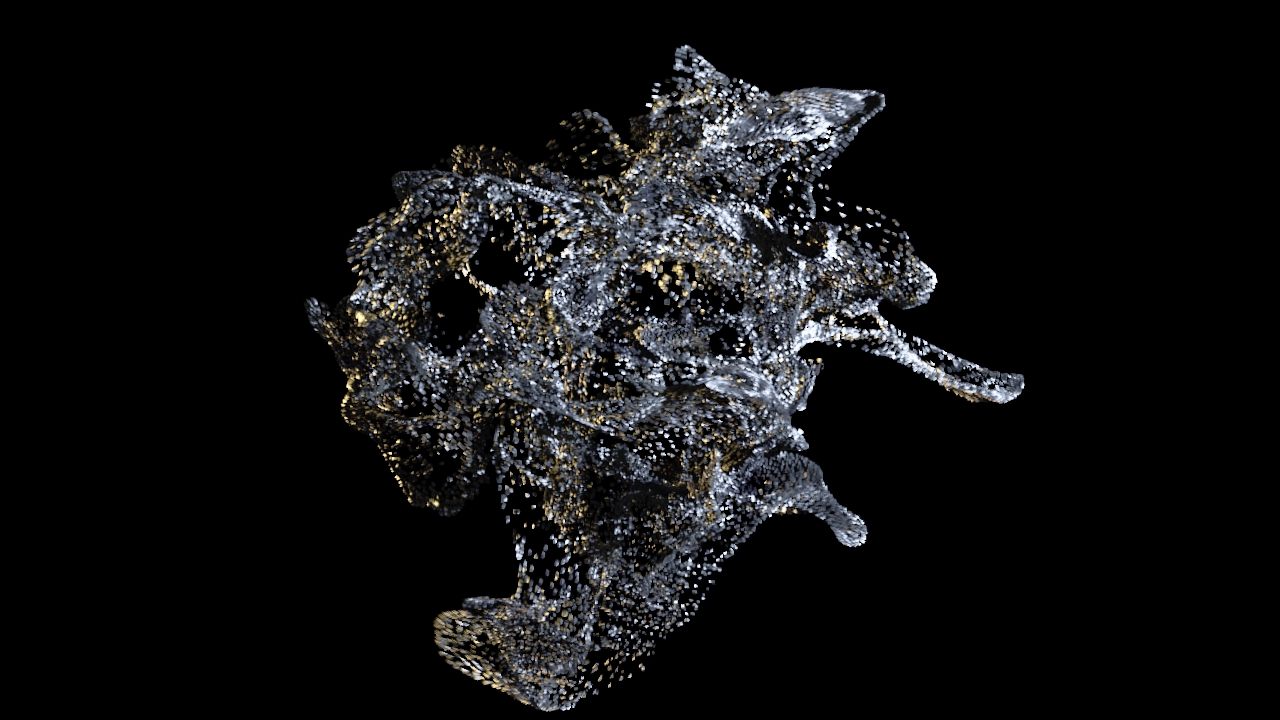
Did you ever wonder how to dissolve or disintegrate objects in Blender? Find out here!
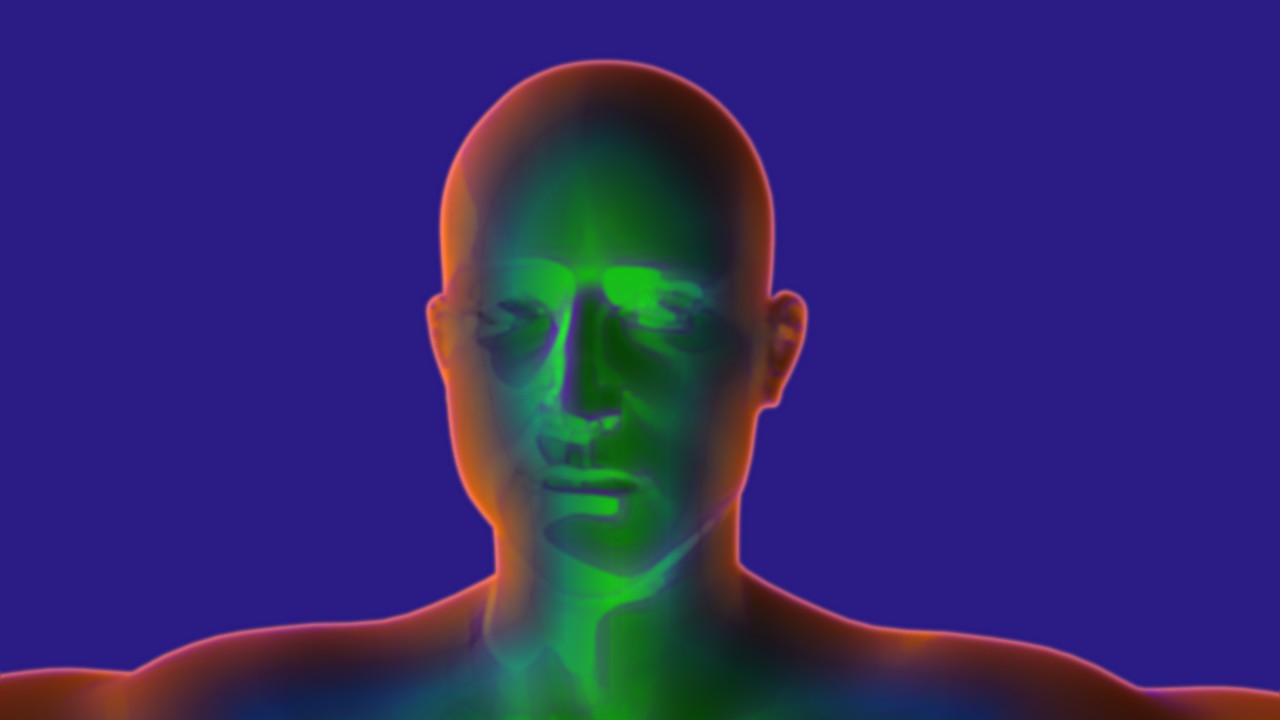
In this tutorial Frederik Steinmetz demonstrates two elegant ways to stylize renderings using the new double edge mask node. Additionally he shows how to use node groups in order to keep your compositing nice and organised.
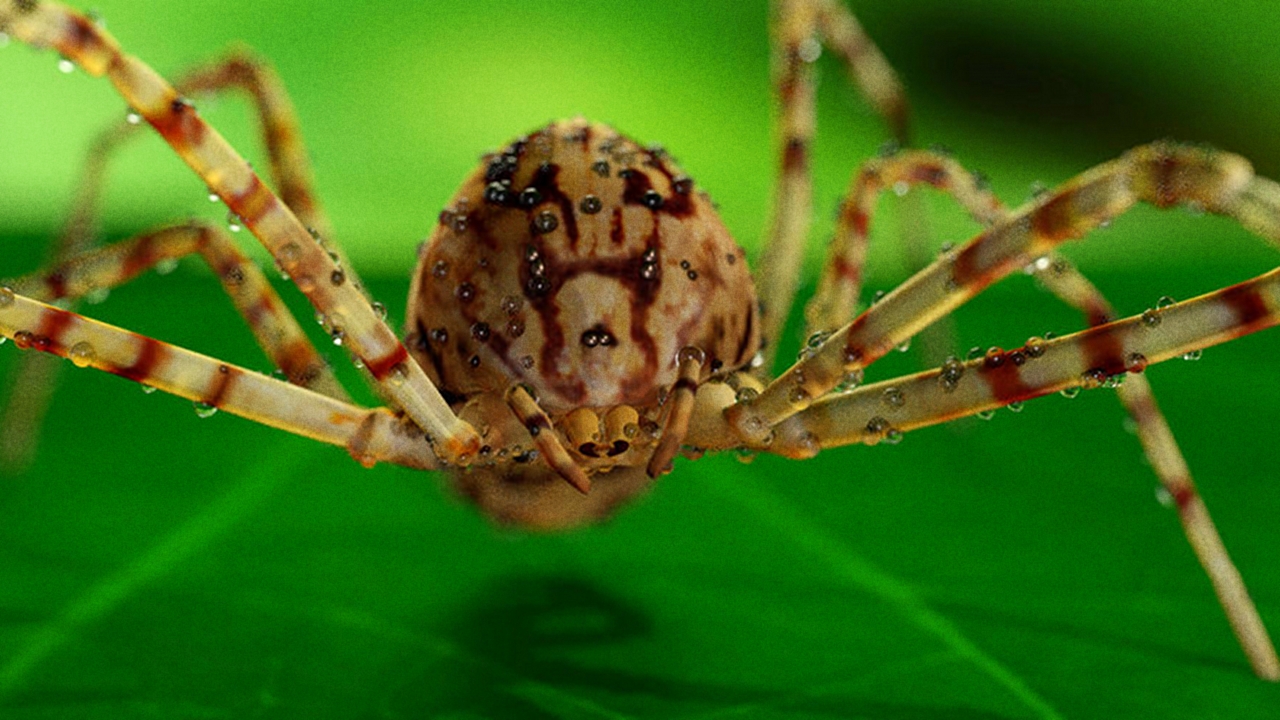
Ladies and Gentlemen - introducing: Frederik Steinmetz! He has prepared an intermediate tutorial on Cycles. Not the usual "How to start Cycles and set up a simple scene" kind of tutorial but a guided tour around current pitfalls and lots of tips and tricks!
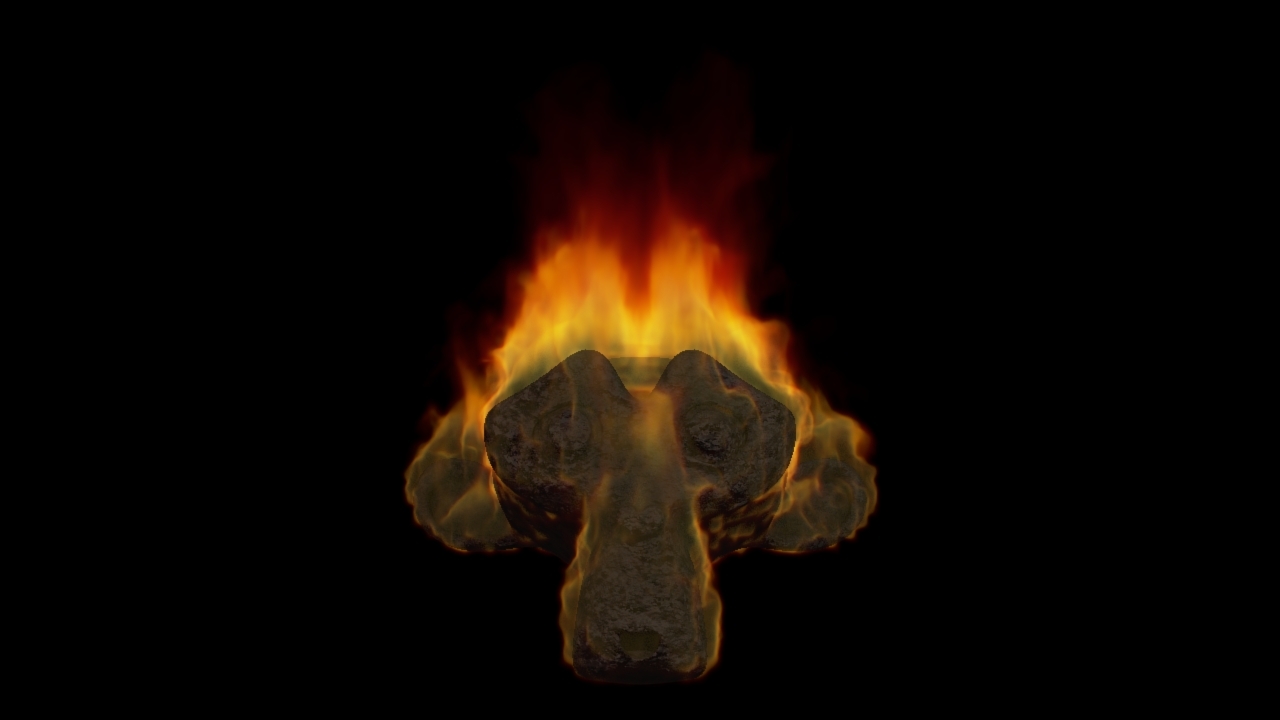
Most people use very bright shaders when creating fire in Blender. But in many situations a more subtle approach works a lot better. This tutorial shows you how to get there!
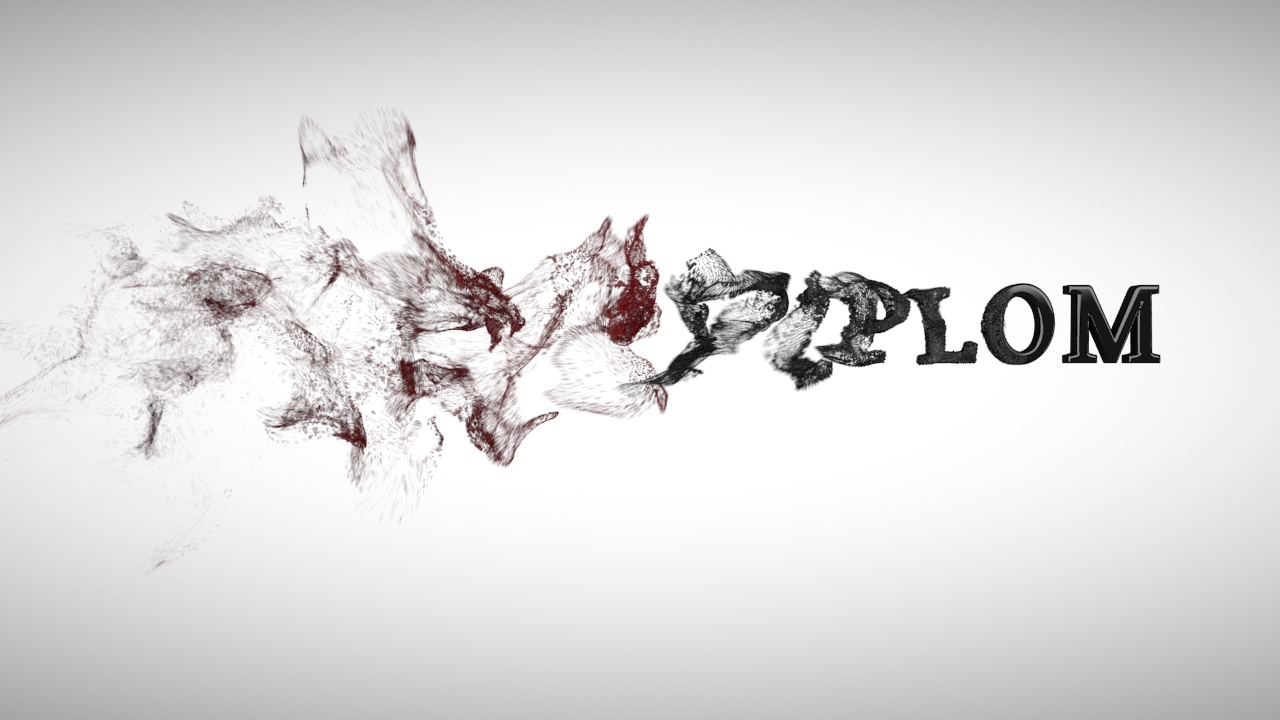
Dissolving text in Blender has always been a lot of work, but not anymore! Blender 2.62 got a great new addition - the Remesh modifier! Its power combined with a particle system makes this awesome effect.
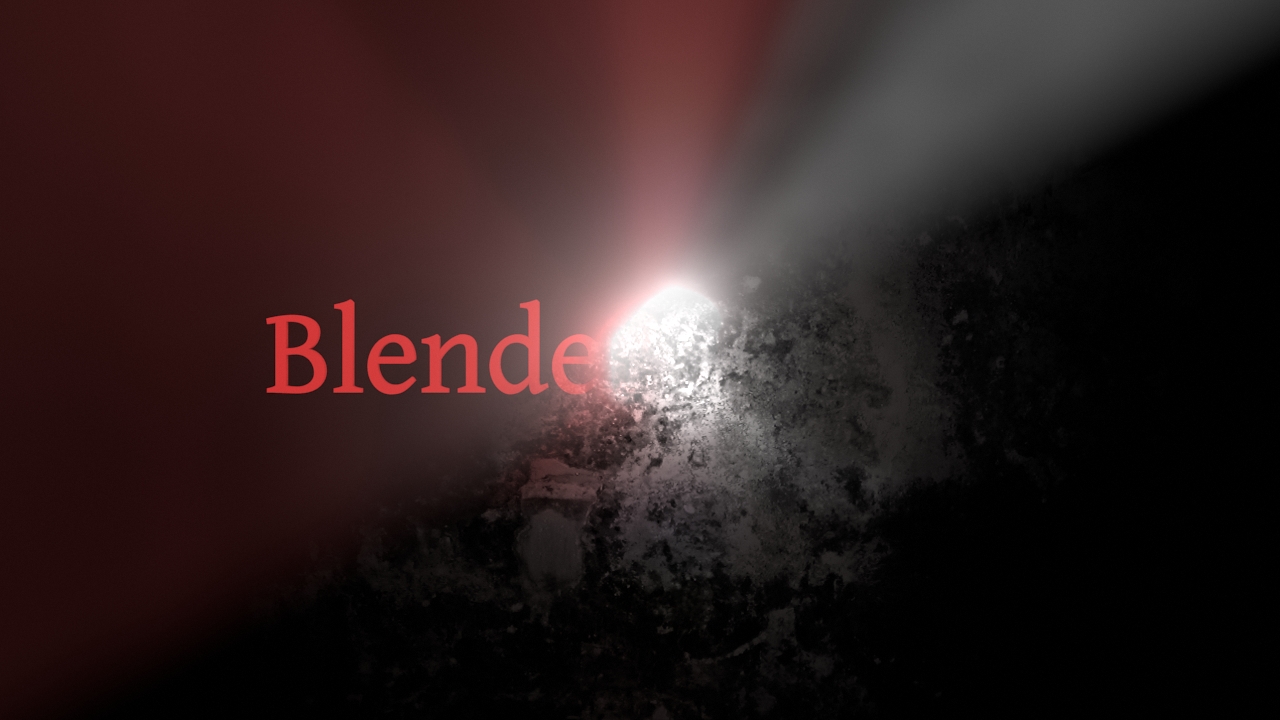
This is a double-tutorial! A grunge title animation and a sleek god ray logo reveal. Learn how to create two different intros in just one tutorial! And find out how to keep your noodles clean using node groups.
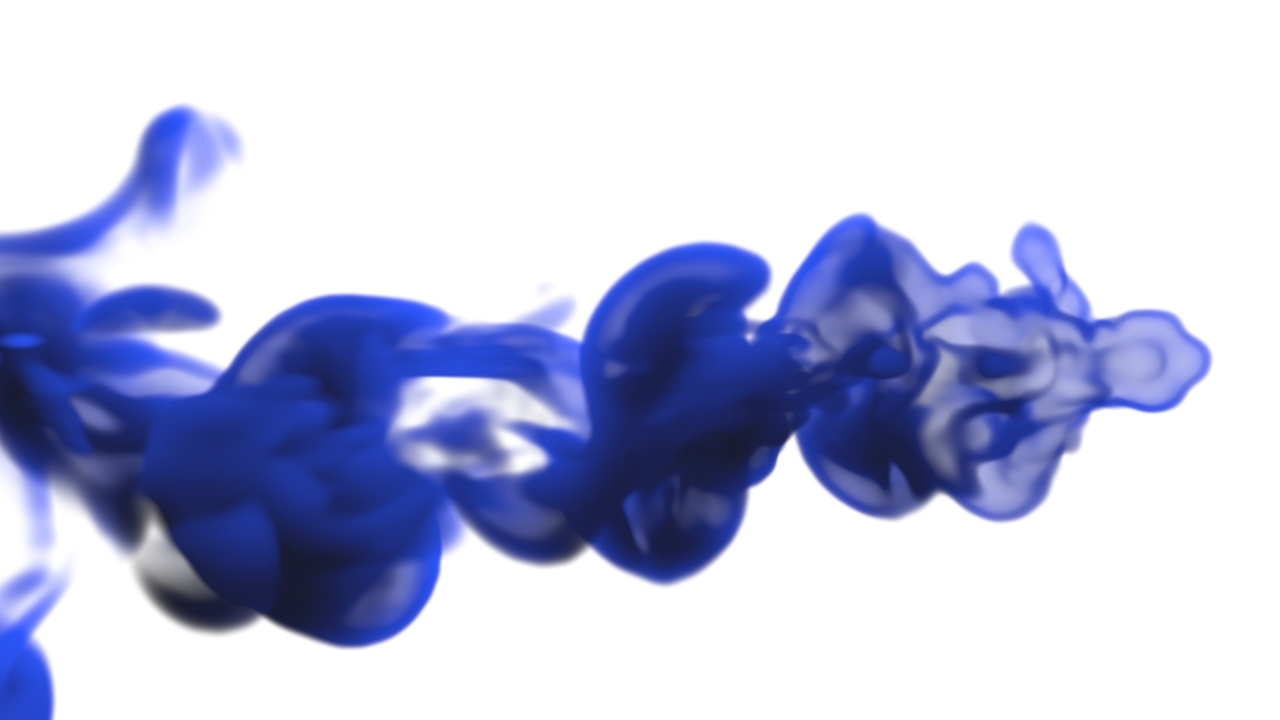
The inkdrop effect is very versatile. This quick tip shows how you can achieve an astonishing ink flow by just changing a few aspects of the setup. This is another tutorial covering Nion's cool Blender effects.
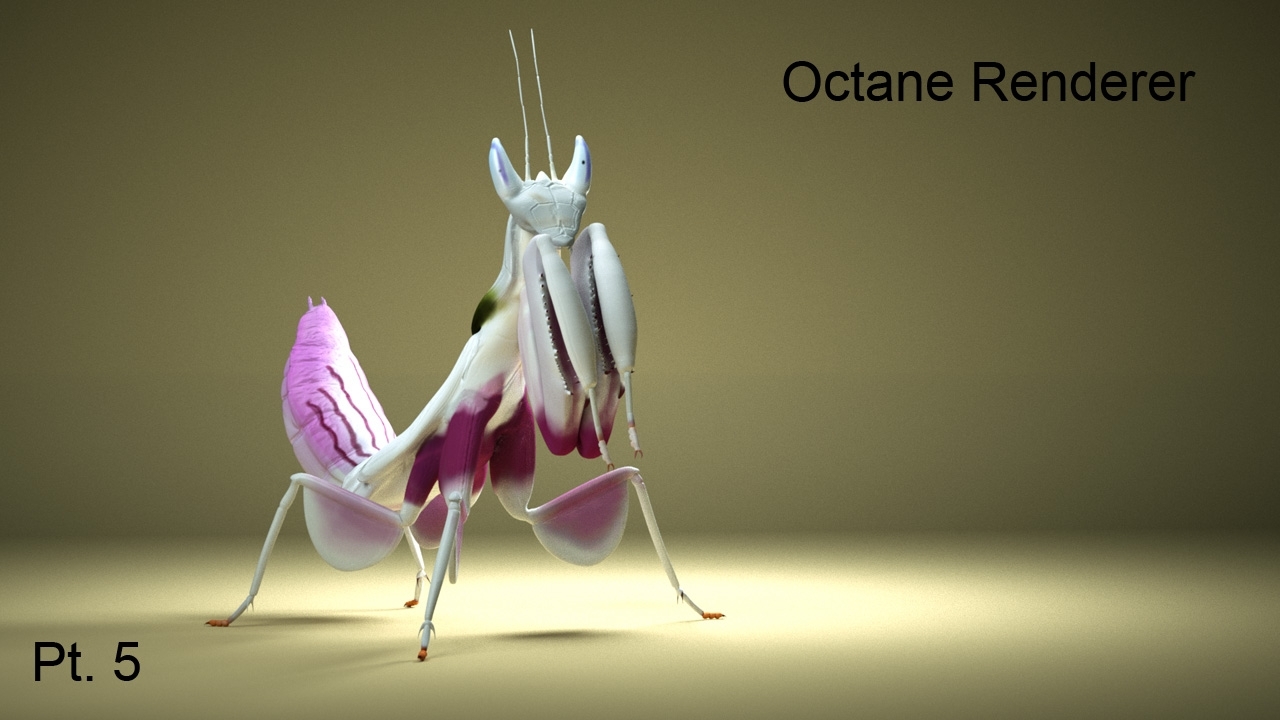
The praying mantis is going Octane! In the fifth part of this tutorial series Frederik Steinmetz explains how to mix materials in Octane using nodes and maps. If you have not seen the other parts, we recommend that you watch the scene setup and if you are fairly new to Octane, please watch the Octane Pitfalls tutorial as well.
A simple yet very powerful approach to reveal a logo is using the all-majestic god-rays. Of couse you can achieve that all in Blender - this tutorial shows how!
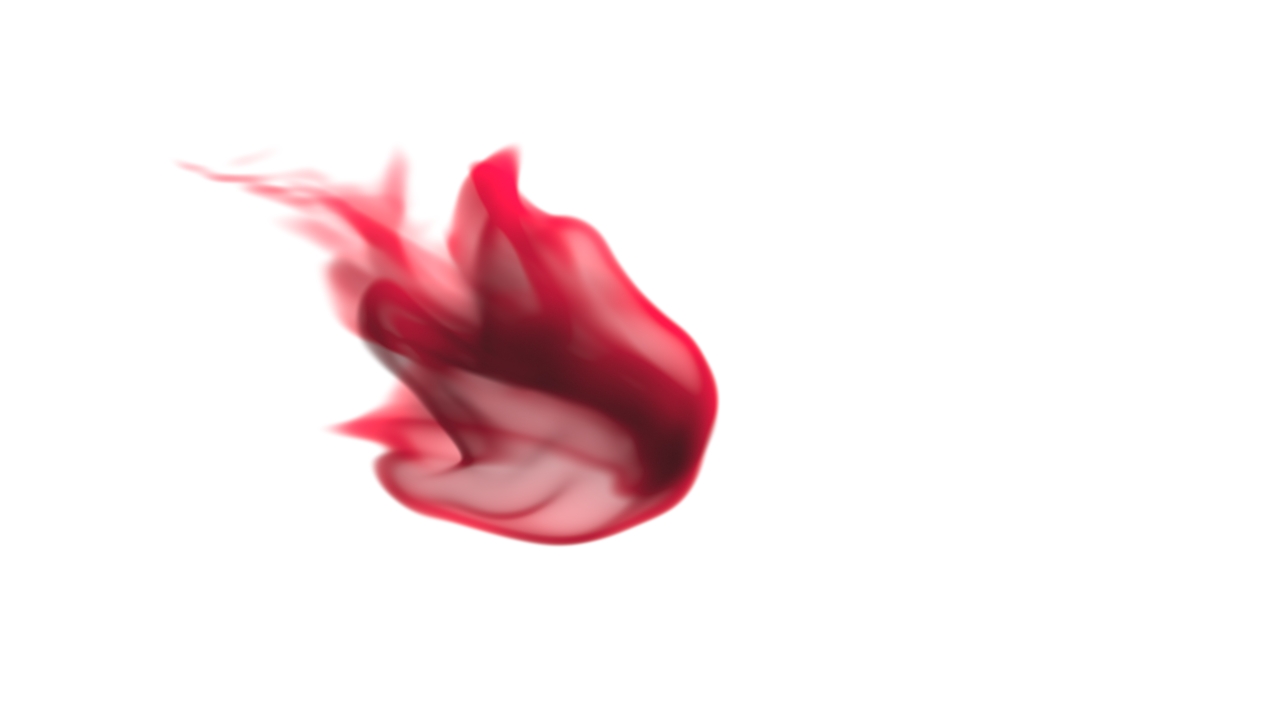
Inkdrops are heavily used in Motion Graphics and Design. Usually one needs to search through stock footage archives to find a fitting drop, which often also means to pay license fees. Thanks to Blender, you can now easily create perfect inkdrops that can be tailored to your project's needs.
In this tutorial you will learn how to install the Blender to Octane exporter by yoyos. Frederik Steinmetz will guide you through the process and help you to avoid the most common pitfalls that still exist, due to the beta status of both the exporter and Octane.
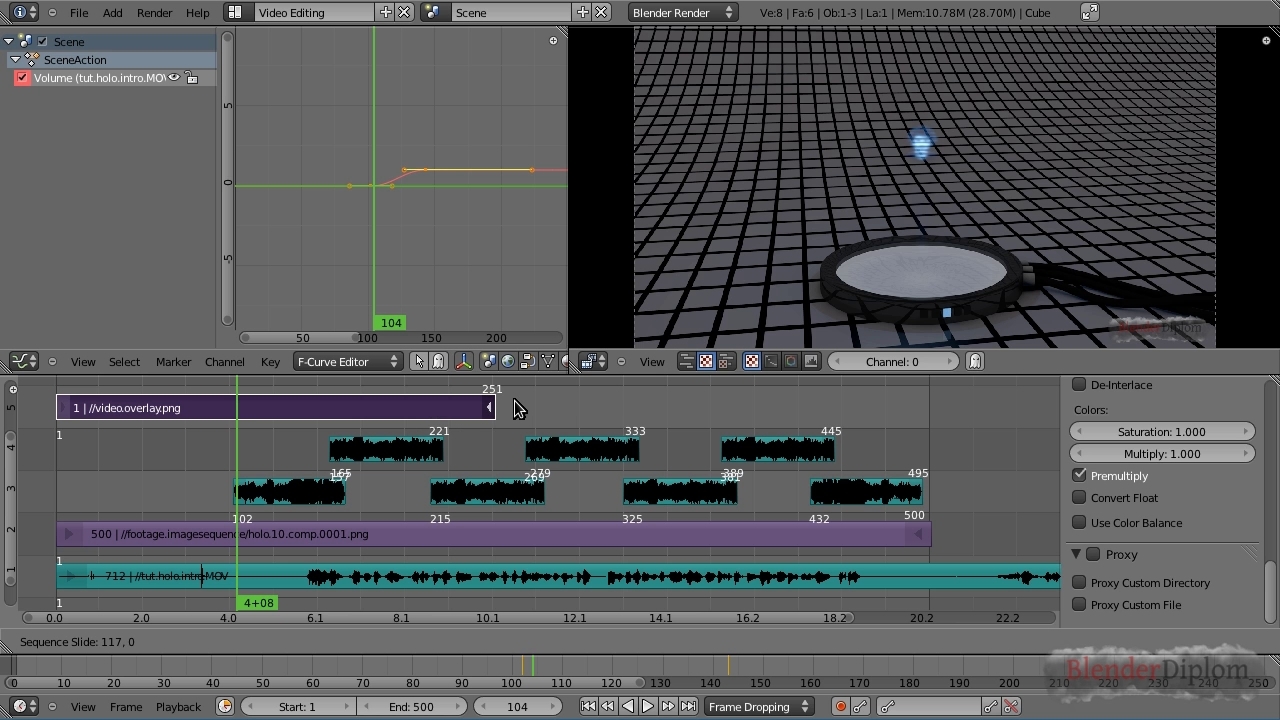
Blender has a full-fledged video editing solution built right in - the Video Sequence Editor or short VSE. This tutorial shows how to add movies, image sequences, still images and sound plus basic keyframe animation.
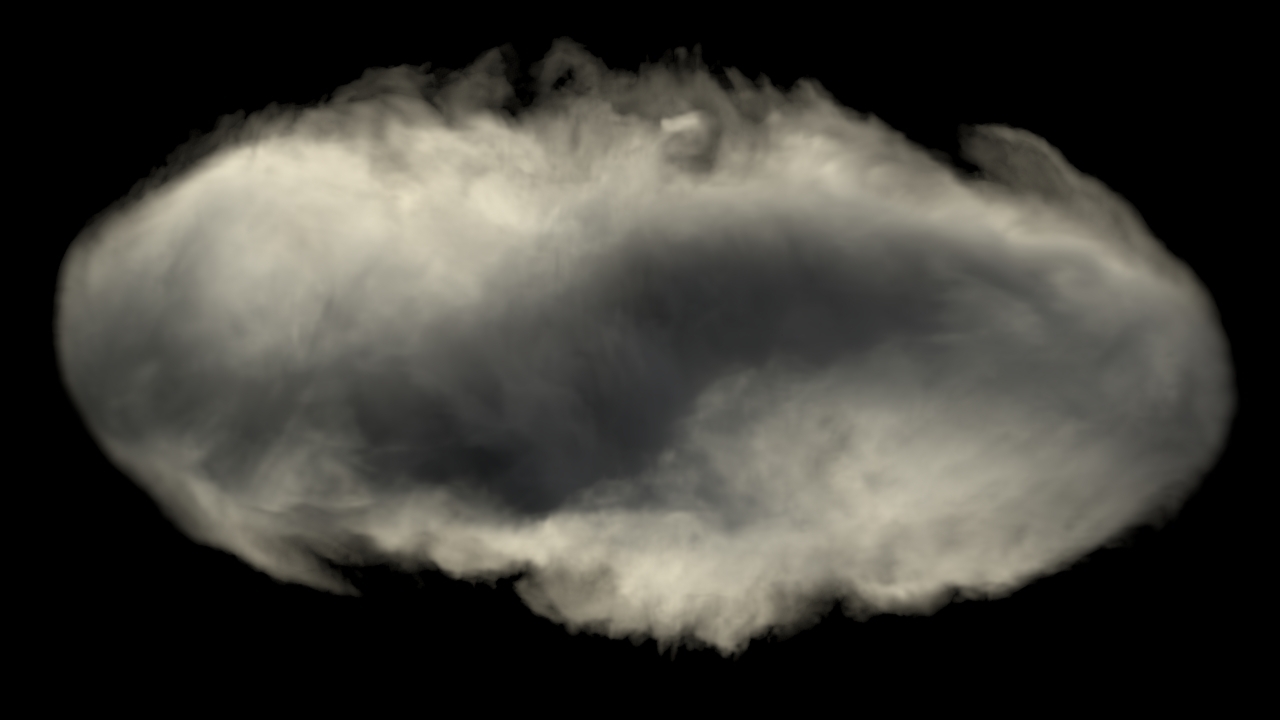
Using the setup we created in the Wicked Drum of Smoke tutorial we can easily work out a scene of the smoke simulation gone completely insane as you could see in Nion's first effect reel. This quick tip shows how!
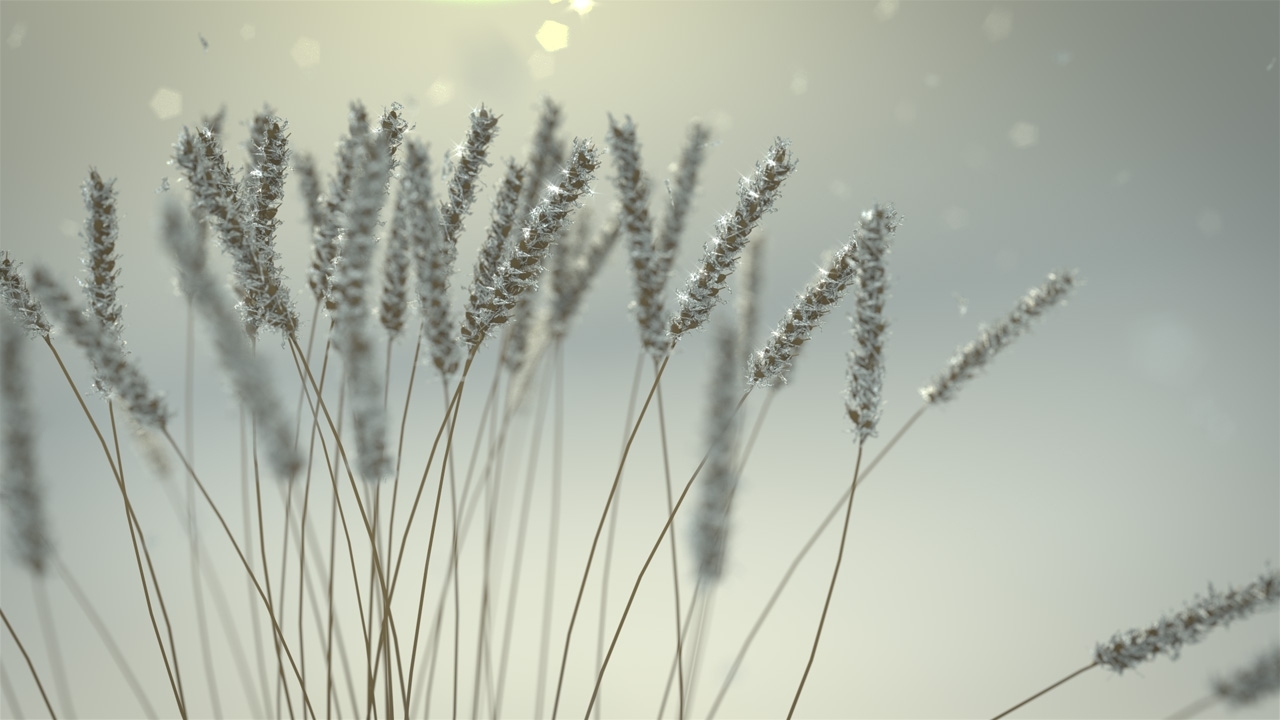
This is Blenderdiplom's way of saying: have some nice winter holidays. In this tutorial Frederik Steinmetz will demonstrate how to set up a beautiful macro scene consisting of a few frost-covered plants with a nice backlighting effect. It's rendered in Cycles with a little compositing. Enjoy!
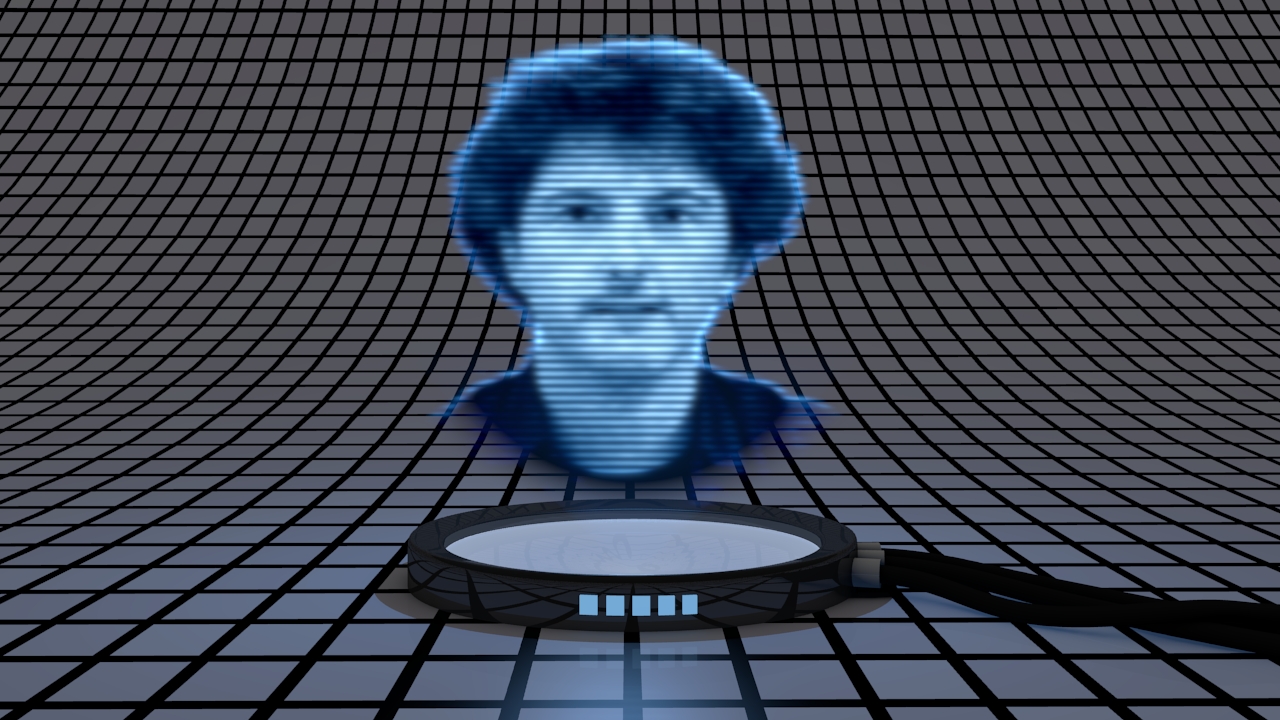
There are many ways to create a hologram effect in Blender. This tutorial shows how to create a 2D hologram from a video that looks very much like in the movie St*r W*rs.
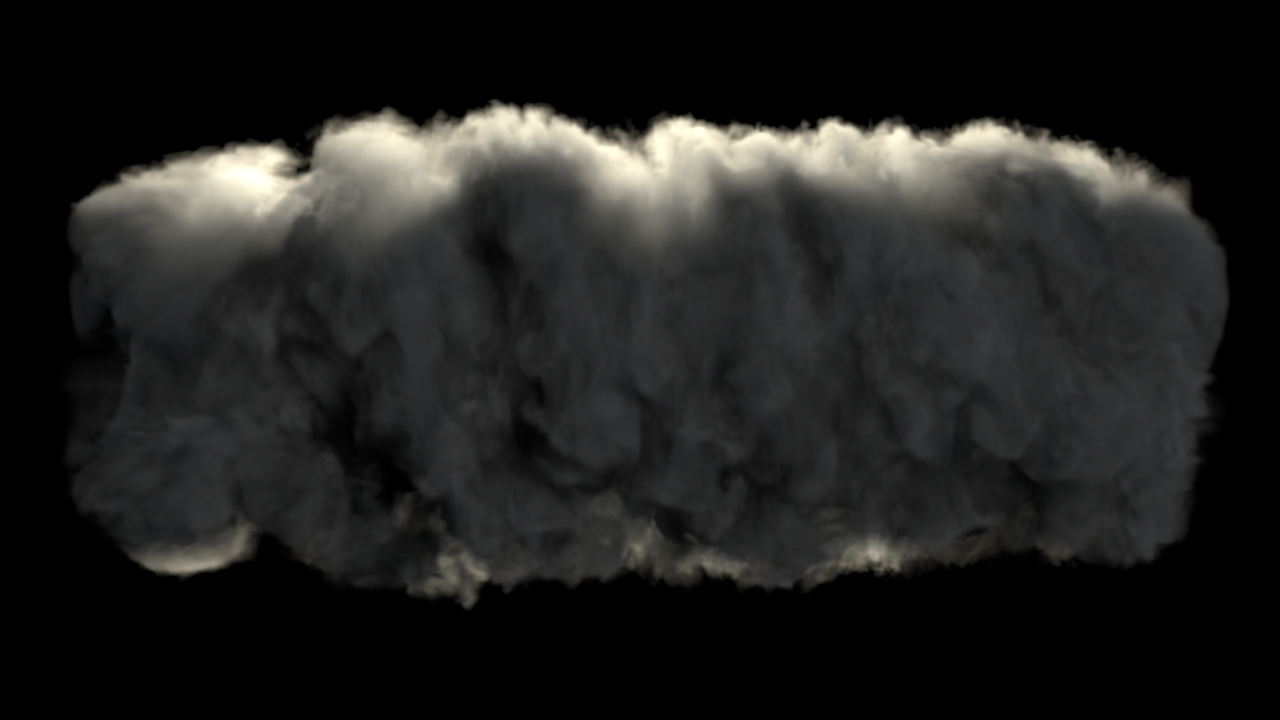
The second effect of Nion's second reel shows a big drum of smoke growing dangerously bigger and bigger - a nice, simple and very educational effect I chose for my second tutorial of his grand effect reels!
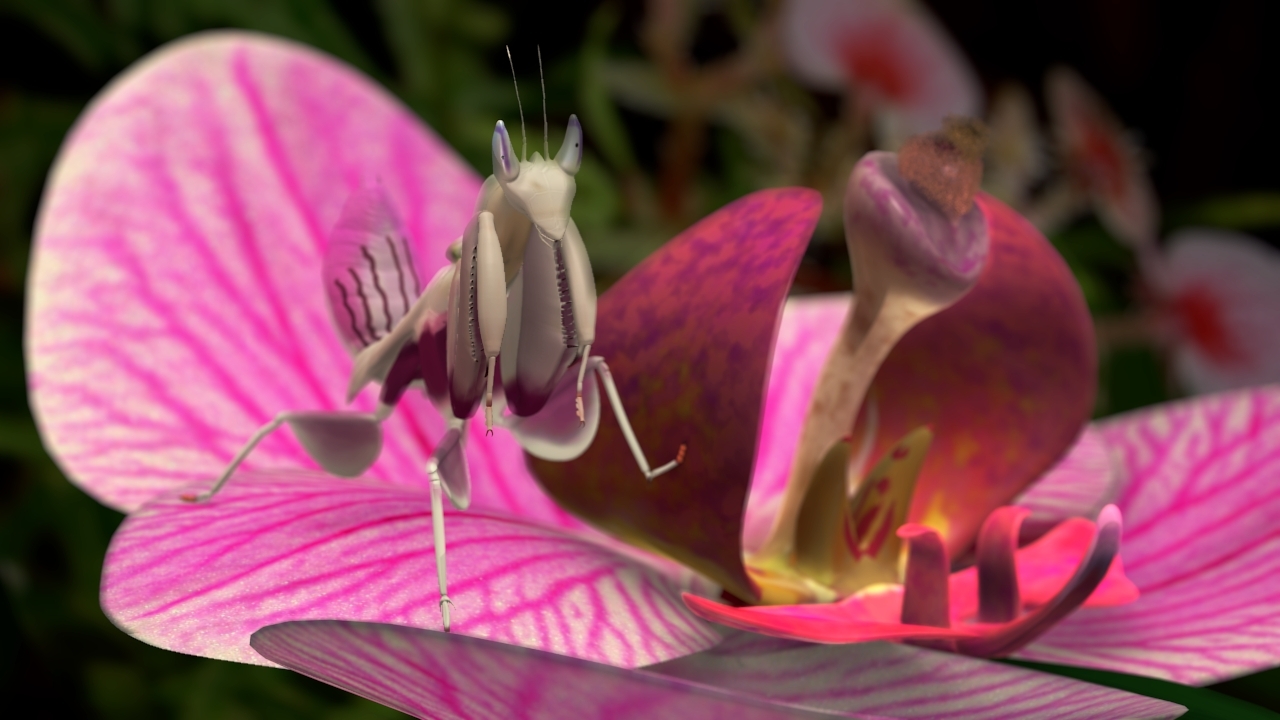
The grand mantis series Part 4: Material setup for Blender Internal! Learn how to use Subsurface Scattering to create a stunning organic material in Blender Internal renderer.
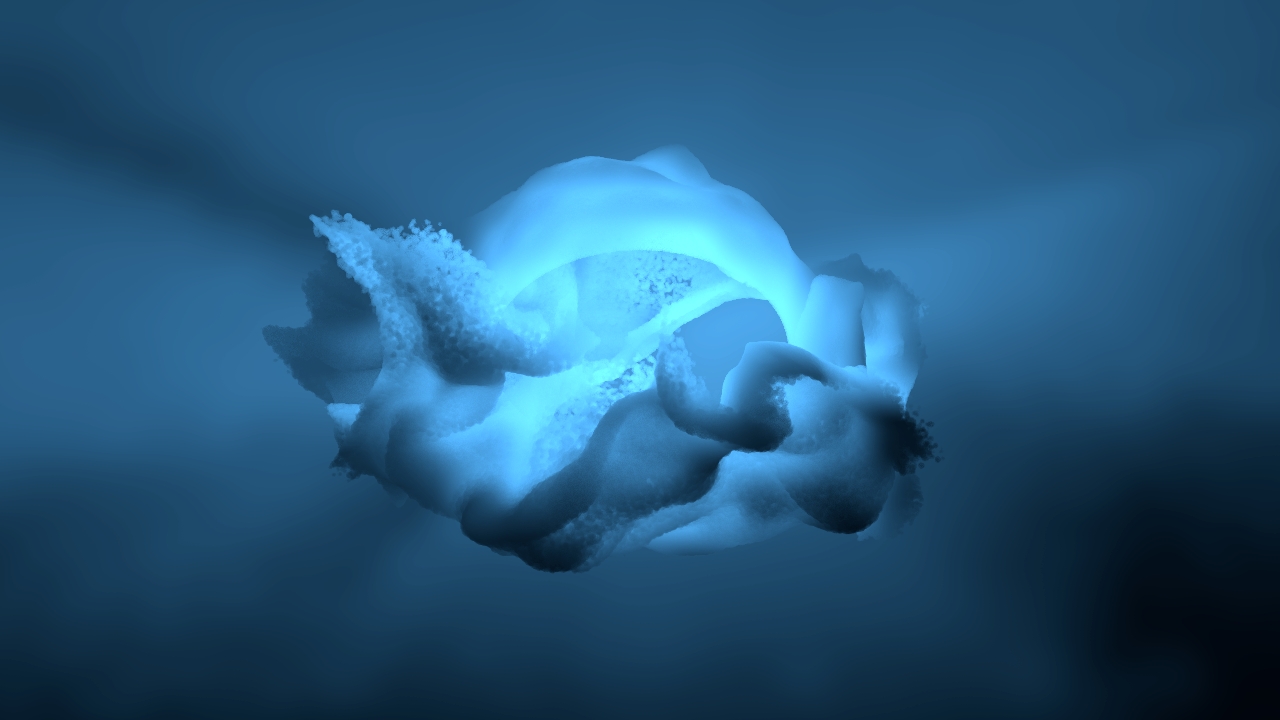
In this third part of the series covering the turbulence force field you will learn how to create a mesmerizing animated background using point densities and millions of particles. Another one of Nion's cool effects!
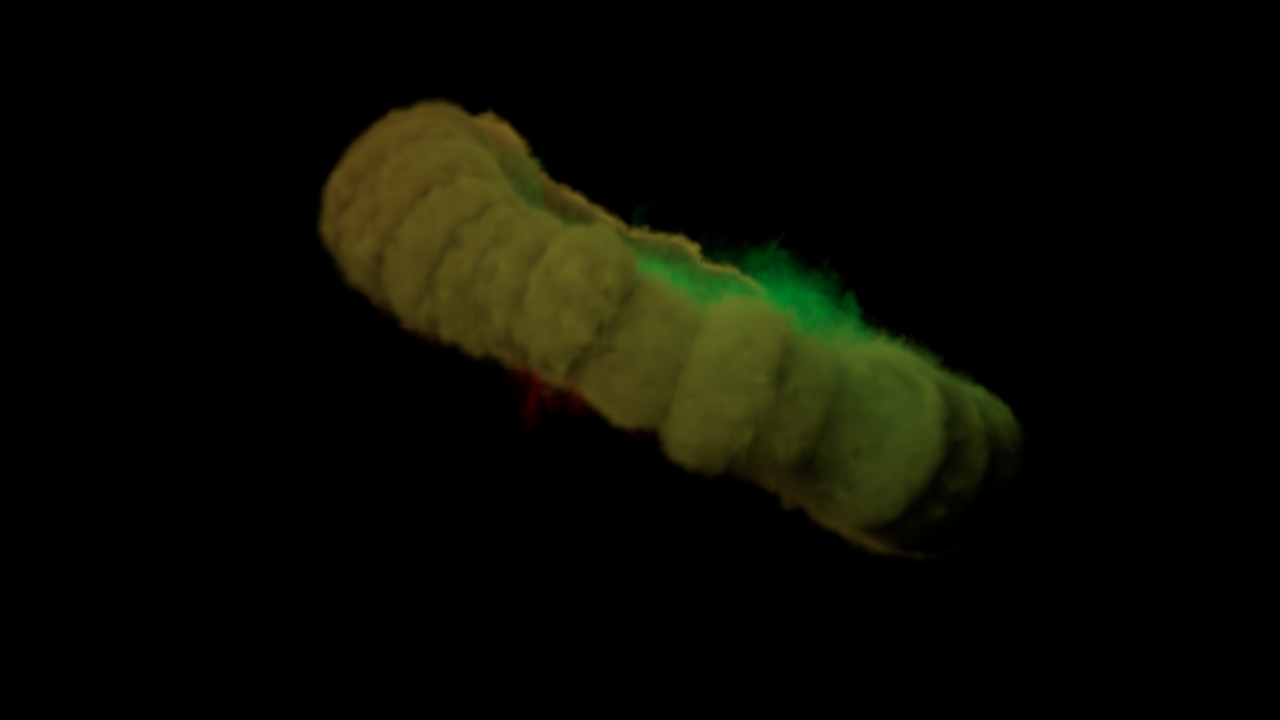
If you ever wanted to know how to mix smoke of different colors in Blender 2.5, here's a simple how-to. This is the first part of my series of tutorials for Nion's excellent Blender effects. Preview video and tutorial after the jump!
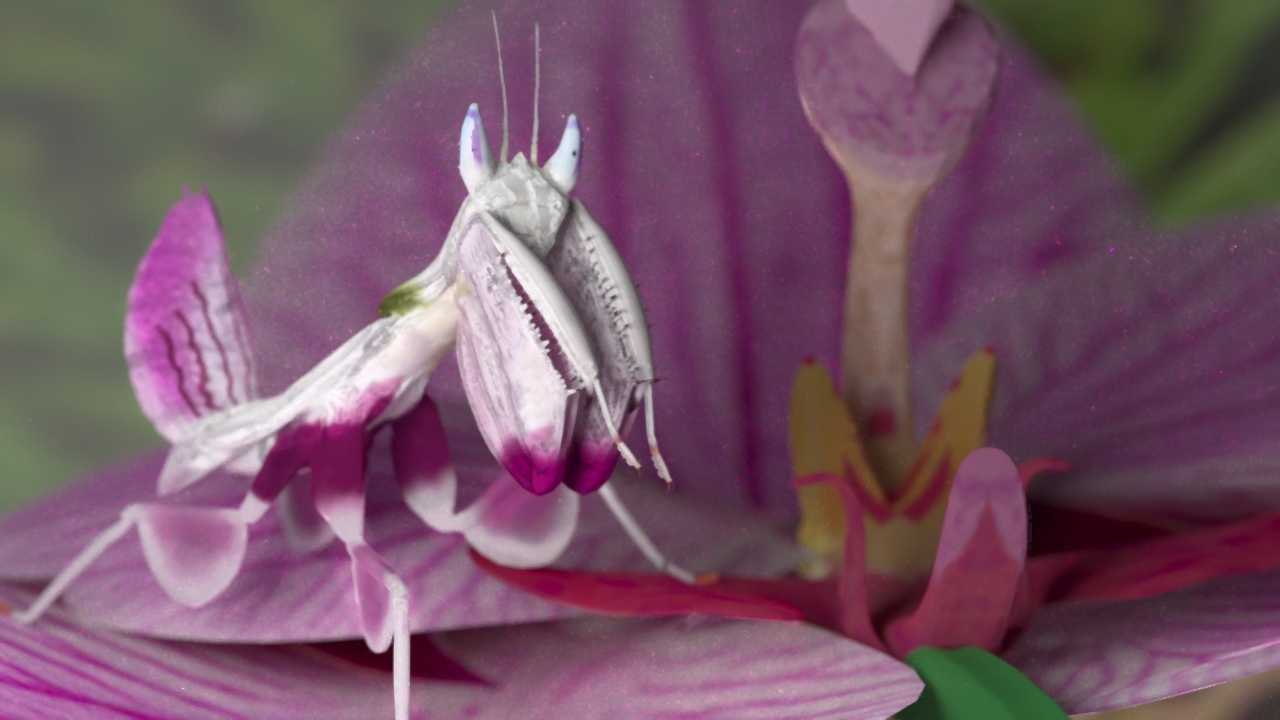
The grand mantis series Part 3: Material setup for Luxrender! Organic materials in physically-based renderers like Luxrender tend to be difficult. Unless Frederik Steinmetz is your tutor!
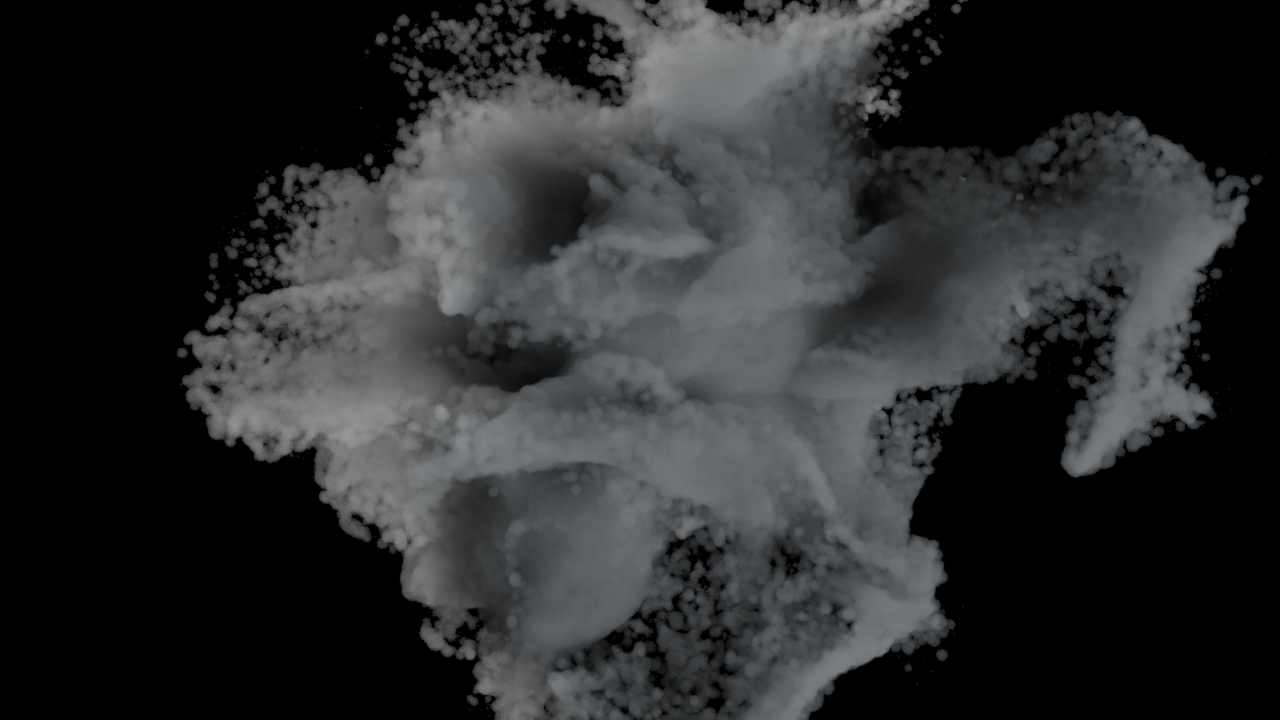
It's fairly easy to dissolve objects in Blender, but you can go even further. Learn how to use particles, a point density texture for volume rendering and a moving force field to get a ghost-like effect.
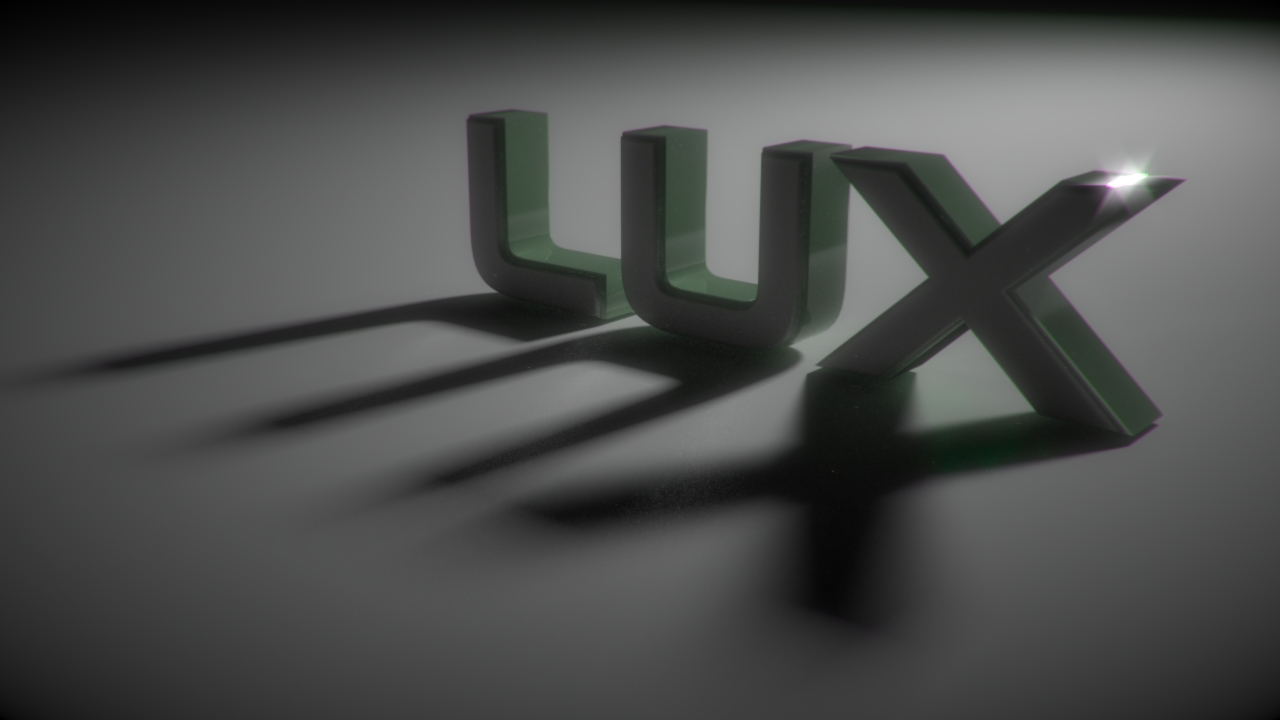
In this interim tutorial for the great mantis series Frederik Steinmetz will show us how to light in Luxrender and Blender. As usual he shows us possible problems and their solutions!
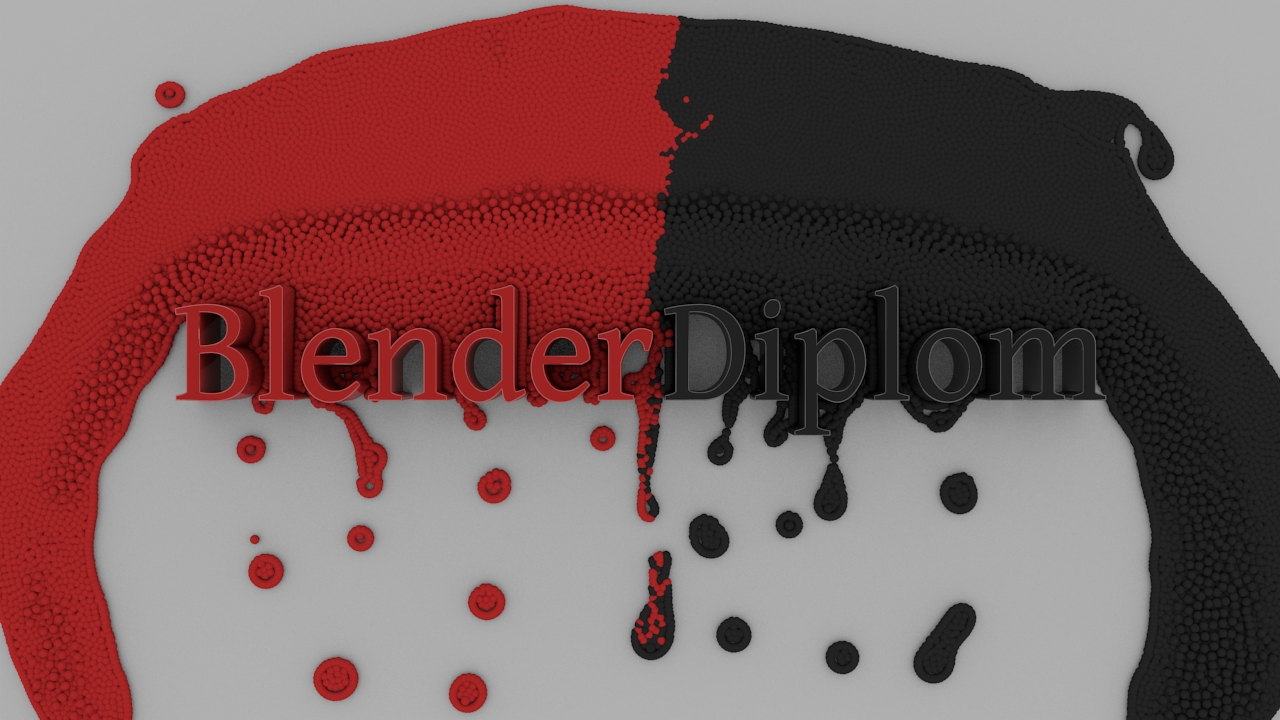
Since Version 2.57, Blender has a Fluid Particle Simulation integrated that is easier to use than ever. This tutorial will show you the basics.